01 / CLI seat
Claude Code, Codex and Cursor run inside.
Point the seat at the CLI already installed on your machine. It runs in the app, beside the board, on the plan you already pay for.
A mind map that never leaves your machine. The AI you already pay for edits the board with you.
Offline Bring your own AI $29.99 once
Your licence key goes here.


Double-click a board to open it full size
Cygtree is an offline mind-mapping and whiteboard app for Windows. Boards are ordinary files on your own disk, and it costs $29.99 once.
The canvas
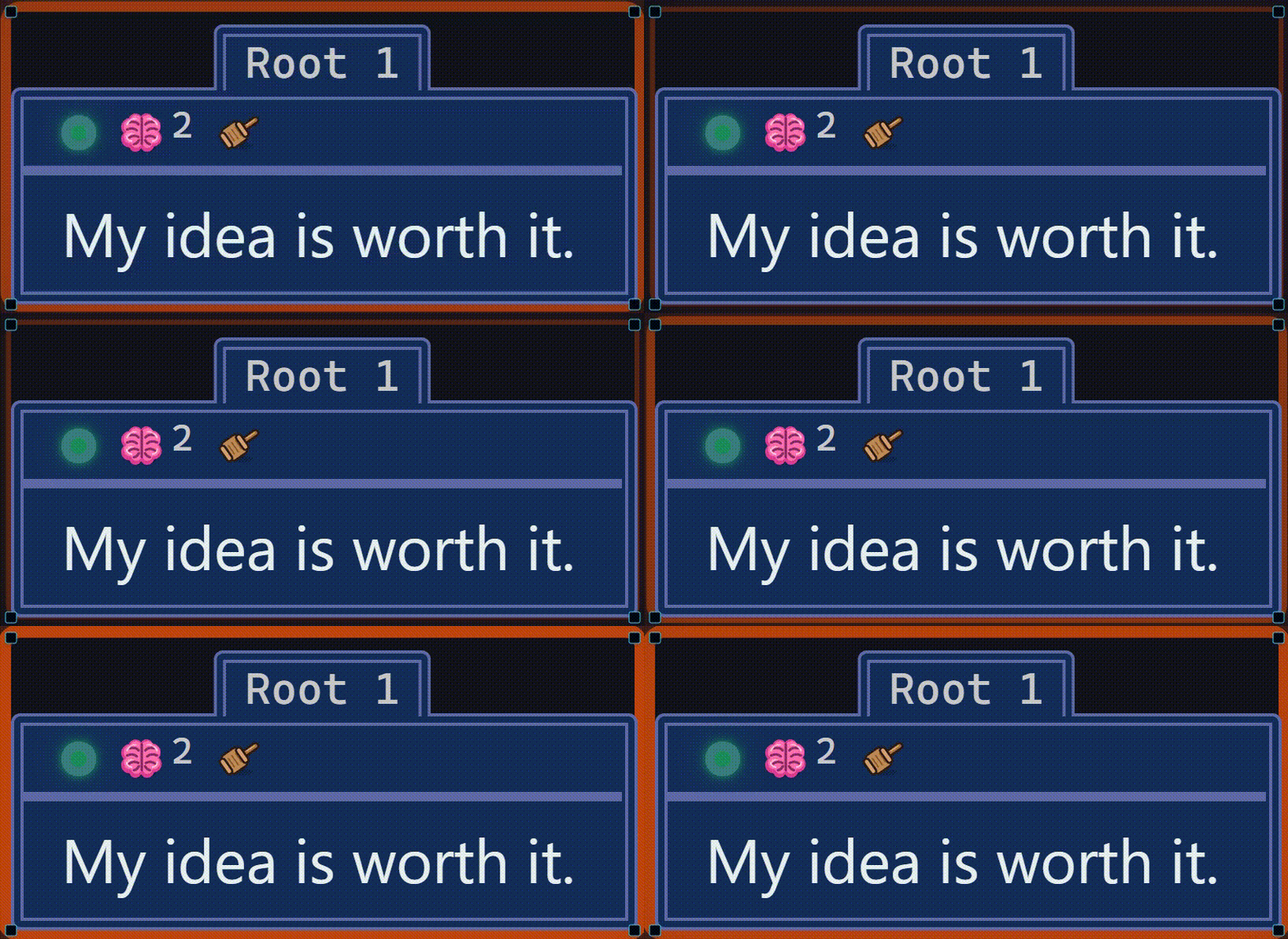
A surface where nothing has to be decided in advance. Drop a card anywhere, drag it where it belongs, nest it as deep as it needs to go. There is no outline to commit to and no template to pick, so the shape of the thing shows up once the whole thing is in view.
Your own AI
Yes — the board itself, while it is open. The agent reads the whole tree in one call, then moves, colours, writes and connects cards where they sit. Nothing is exported, pasted or re-imported, and you watch it happen.
You bring the agent you already pay for. Cygtree adds no token markup and no second AI subscription.
01 / CLI seat
Point the seat at the CLI already installed on your machine. It runs in the app, beside the board, on the plan you already pay for.
02 / ACP seat
The Agent Client Protocol is the open standard Zed and JetBrains build together, and most coding agents now speak it — Gemini CLI, Copilot, Cline, Goose and more. Eleven presets fill in the details.
03 / Invite AI
Cygtree runs an ordinary Model Context Protocol server on your own machine. Claude Desktop connects to it, and so does anything else that speaks MCP — including whatever ships next year.
Full setup, tool list and the exact address: the AI page.
Questions
No. Cygtree is $29.99 once. There is no renewal, no seat fee and no plan to upgrade to.
Yes. Boards are files on your own disk and every feature except the one-time licence check runs with no network at all.
Three kinds, and they arrive differently. Claude Code, Codex and Cursor run as native CLI seats inside Cygtree. Any agent that speaks the Agent Client Protocol — the open Zed and JetBrains standard most coding agents now support — connects as an ACP seat. And Cygtree runs a local MCP server, so any local MCP client can join — Claude or Codex desktop, or any desktop AI with MCP tool access. Every lane gets the same 45 board tools.
Yes, in both directions, and both run on your own machine. Dictation uses a streaming Zipformer speech-to-text model built into the app — install a language once, and no audio ever leaves the computer. The assistant can also read its replies aloud with Kokoro text-to-speech, 48 speakers across nine languages, which is a 349 MB download the first time. Neither is required.
You use the agent you already have. Cygtree sells no tokens and takes no cut of your AI spend. The board also works with the AI switched off.
Windows ships today — 10 and 11, 64-bit, about an 11 MB installer. macOS and Linux are in progress and not downloadable yet. A licence is not tied to a platform, so a key bought now works on whichever build you end up running.
Yes. The browser demo is the real application with the desktop half switched off. No signup, no download.
Buyers in the EU and UK have a statutory 14-day right of withdrawal, handled by Polar as merchant of record. The free 7-day trial exists so you can answer this before paying. Full detail on the FAQ page.